Unlock LLM Capability on Ubuntu Gateway
The industrial IoT landscape is evolving fast, with a clear new imperative. AI must run at the edge to eliminate cloud dependency for time-critical, latency-sensitive field operations. At Bivocom, the TG465 Programmable 5G Edge Gateway meets that need as a rugged, Ubuntu‑based device powered by a quad‑core ARM Cortex‑A55 processor, a 1 TOPS NPU, and up to 8 GB of RAM—ample headroom for containers, Python, and LLMs (large language model). In this guide, we walk you through installing Ollama and deploying Llama directly on the TG465, enabling natural language interaction, agentic reasoning, and on‑premises AI assistance.
-on-Bivocom-TG465-IoT-Edge-AI-Gateway-with-Ubuntu-512x341.png "Install Ollama & Llama (LLM, large language model)) on Bivocom TG465 IoT Edge AI Gateway with Ubuntu")
What Are Ollama & Llama?
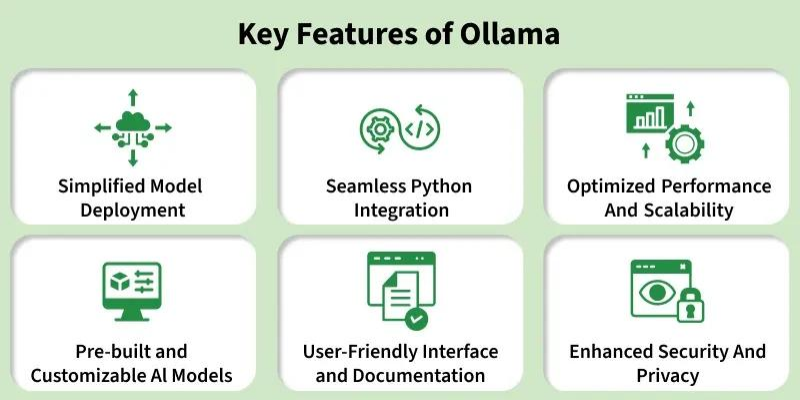
Ollama (Omni-Layer Learning Language Acquisition Model) is a platform that democratizes access to large language models by enabling users to run them locally on their own hardware. It provides a unified interface for pulling, managing, and running various LLMs—from Meta’s Llama family to Google’s Gemma, Microsoft’s Phi, and beyond. With a simple command-line workflow and a REST API for programmatic access, Ollama makes edge AI deployment accessible to developers of all skill levels.
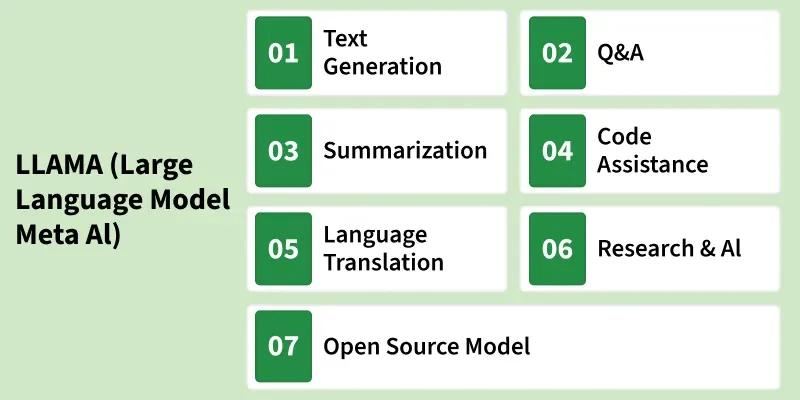
LLaMA (Large Language Model Meta AI) is Meta(Facebook)’s family of advanced language models built to comprehend and generate human‑like text for natural language processing (NLP), conversational AI, text generation and other language‑based AI workloads. Meta Llama 3.2 offers pretrained and instruction‑tuned multilingual generative models in 1B and 3B text‑in/text‑out variants. Its instruction‑tuned text‑only models are optimized for multilingual dialogue, agentic retrieval and summarization, and exceed many popular open‑source and proprietary chat models on standard industry benchmarks.
Prerequisites You Need
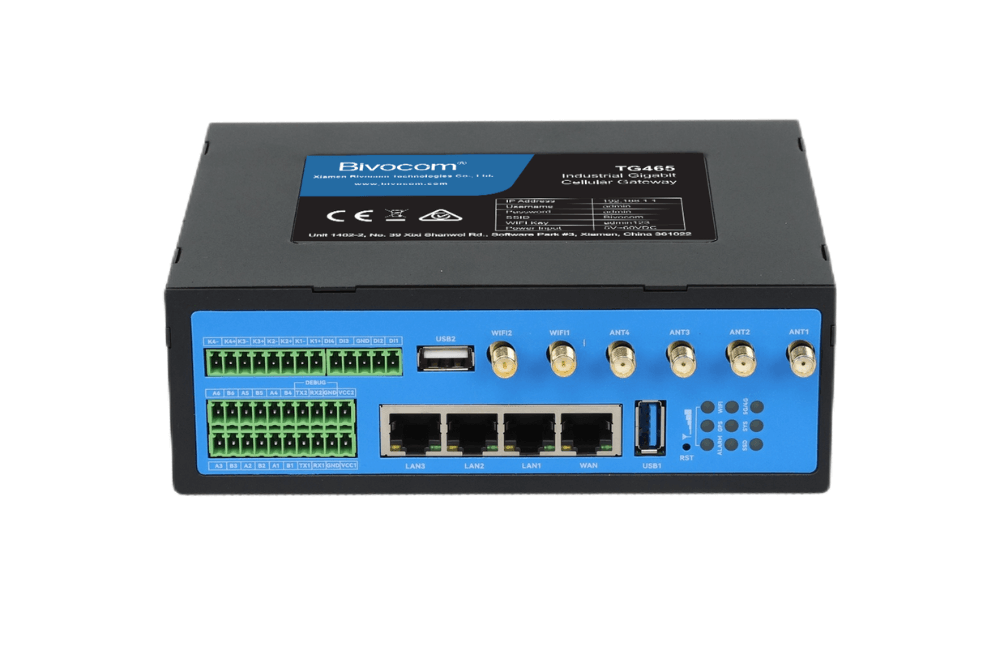
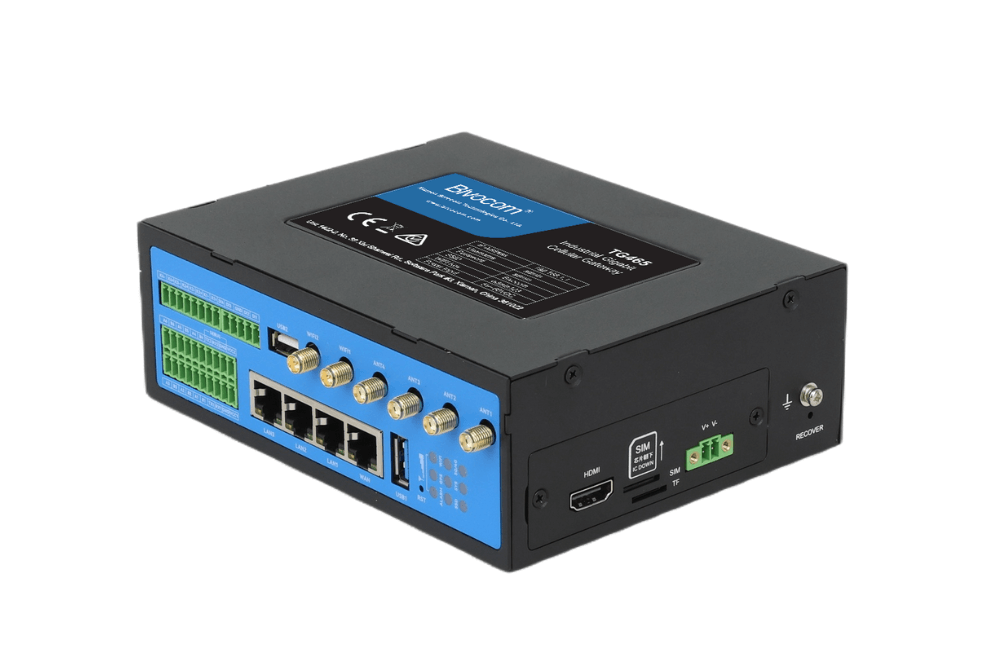
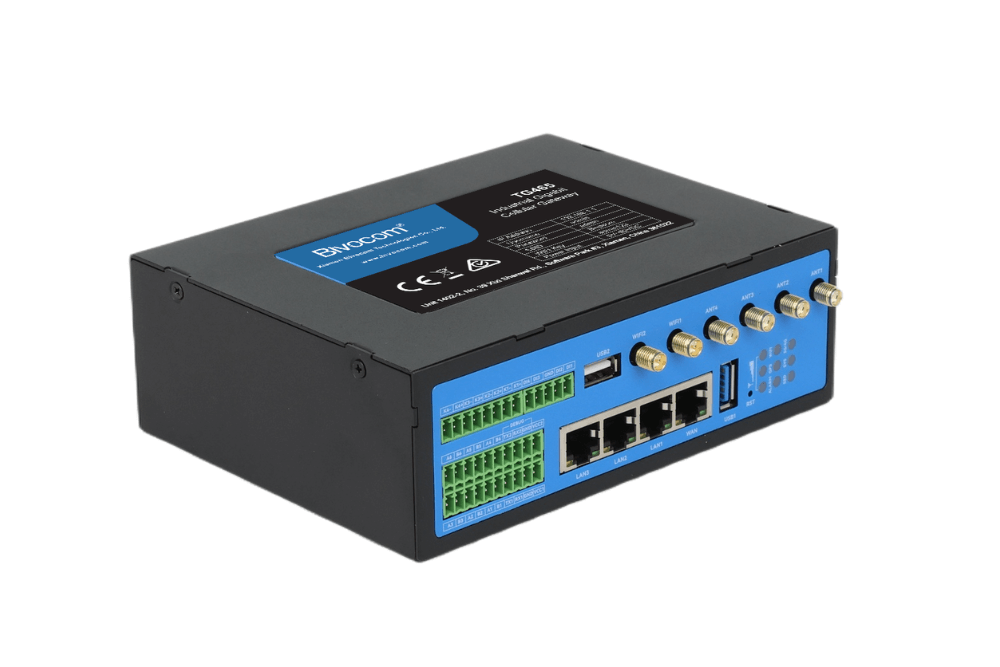
NOTE: Since deploying Ollama and Llama large language model requires Ubuntu system and significant amount of memory, we recommend choosing at least TG465 processor with 32GB (FLASH) + 8GB (RAM). Additionally, you can contact Bivocom support team for sharing the correct firmware. The team will assist you in upgrading TG465 to Ubuntu system.
Step 1: Access the Gateway
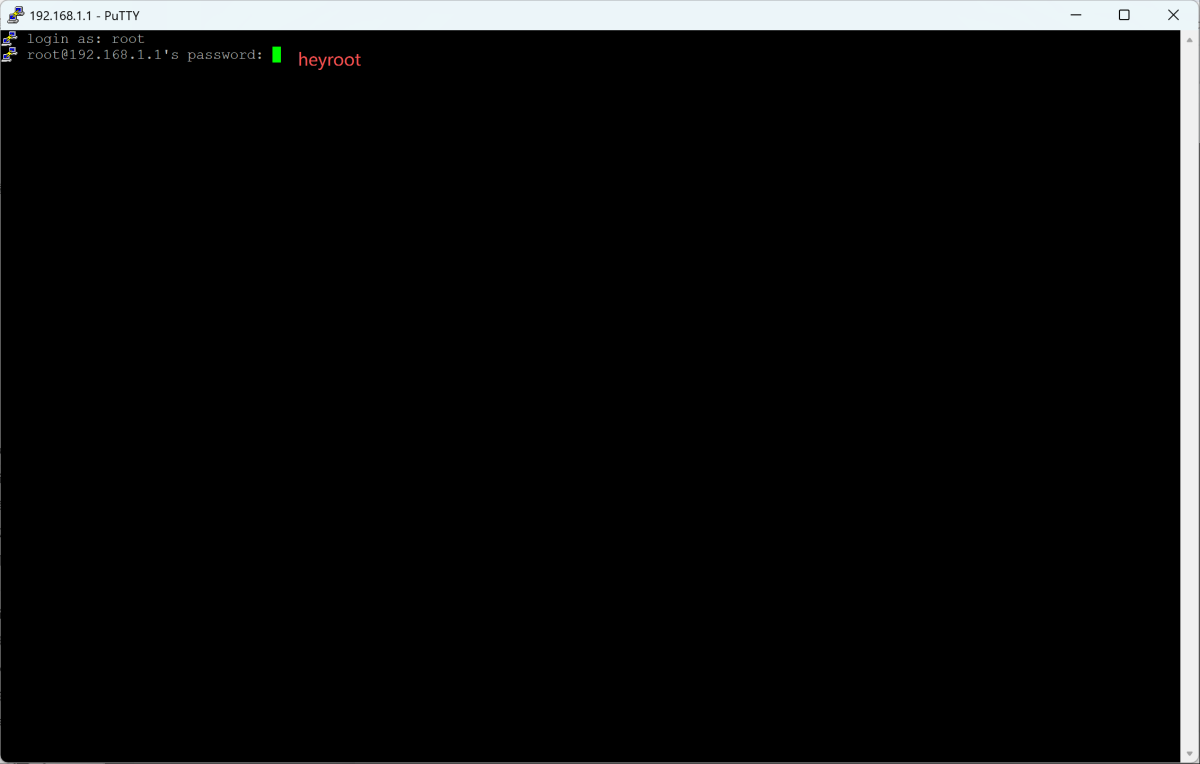
Connect to your TG465 via Telnet or SSH using the default LAN IP address: 192.168.1.1 . Account: root. Password: heyroot.
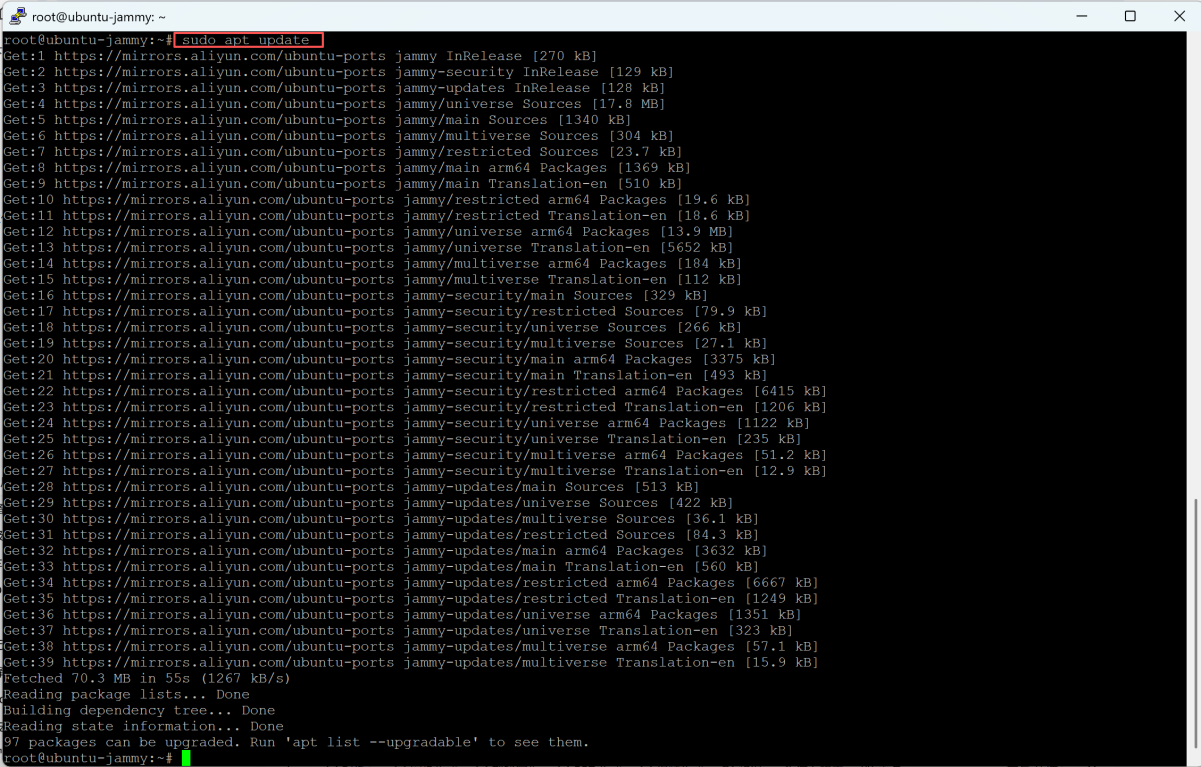
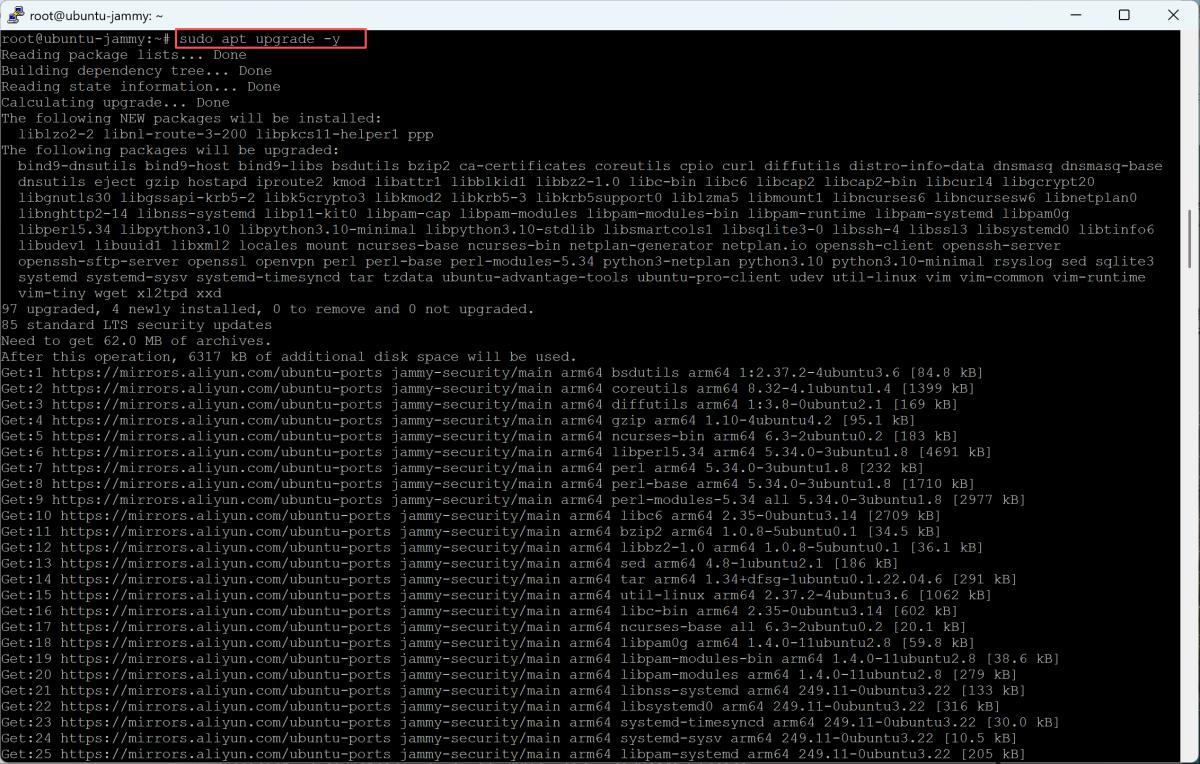
Once logged in, update the system package repositories, run the following commands: sudo apt update, sudo apt upgrade -y.
Step 2: Install Ollama Model
To install Ollama, run the official Ollama installation script: curl -fsSL https://ollama.com/install.sh | sh.

After downloaded and installed ollama, the installer automatically creates an ollama user and group, and enables the Ollama systemd service to start on boot.

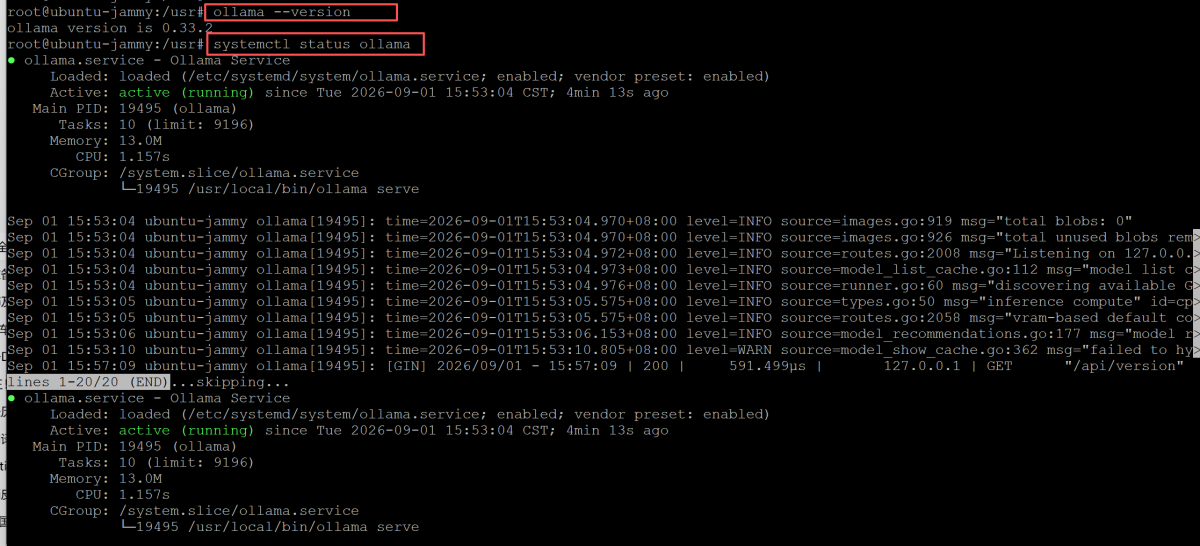
Once the installation completes, verify the setup: ollama --version, systemctl status ollamama. If output shows active (running), Ollama service deployment is successful.
Step 3: Pull the Llama 3.2 Model
NOTE: Since each model occupies a different amount of space, you can check your device capacity before pulling a large model and then select an appropriate model based on your actual capacity.
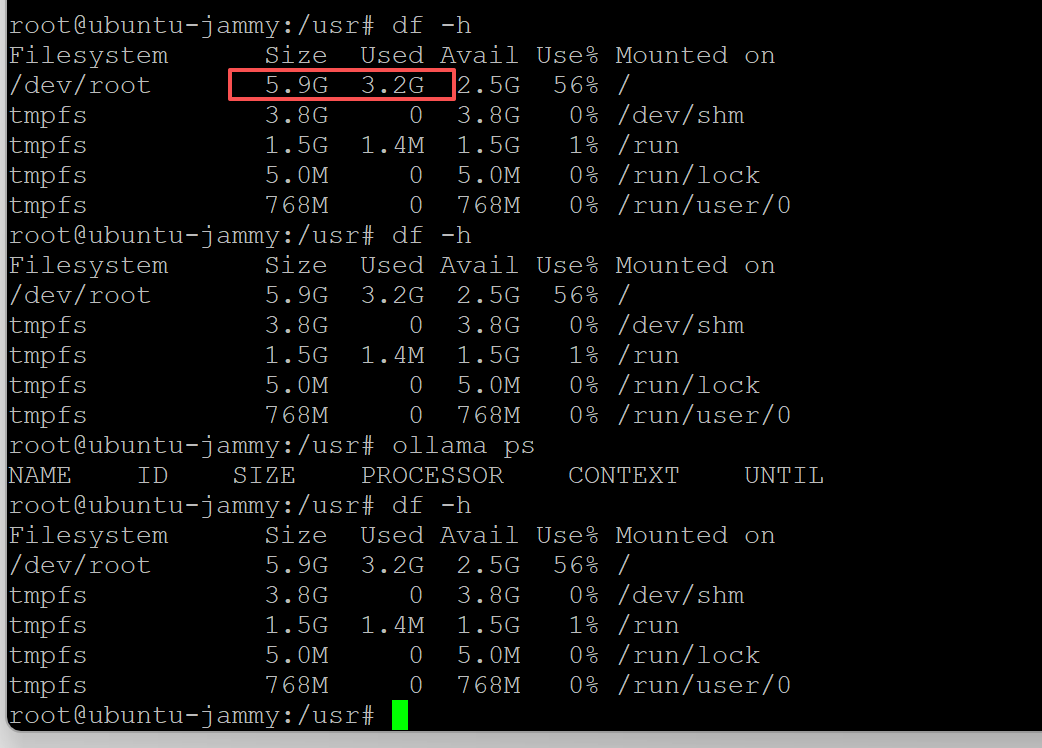
Check device memory: df -h. This command reports filesystem size, used space and available capacity for storage planning.
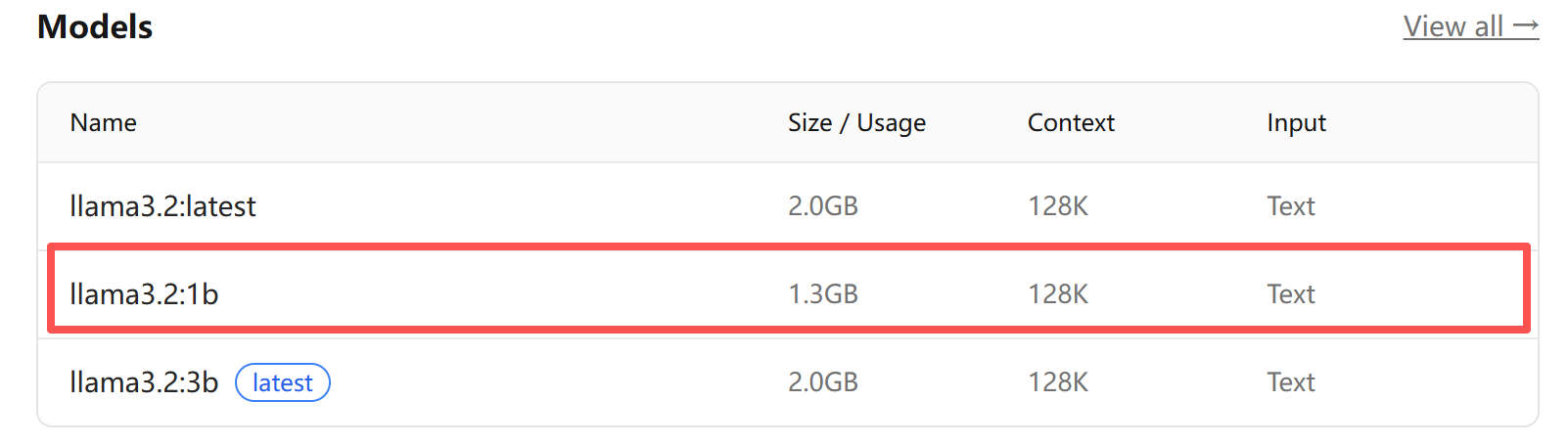
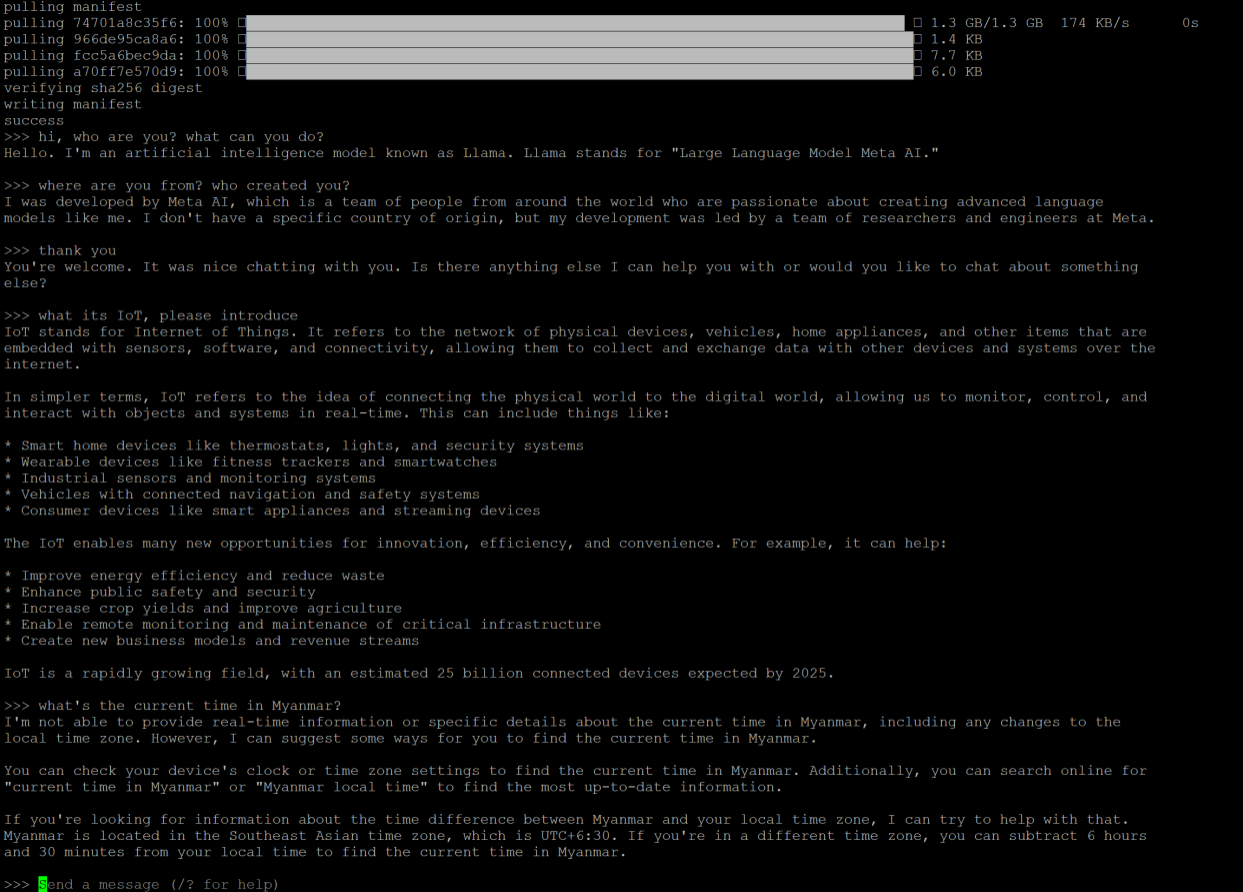
There are different Llama models. In this case, we use Llama3.2:1b, with approximate footprint of 1.3 GB. Execute the following command to download the model: ollama pull llama3.2:1b-instruct-q4_K_M. Once the pull completes successfully, launch the model: ollama run llama3.2:1b.



You’ll enter an interactive chat session. Type your queries and the model will respond in real-time—all processed locally within the gateway command‑line shell.
Step 5 Extend: Web‑UI Access via Ollama API
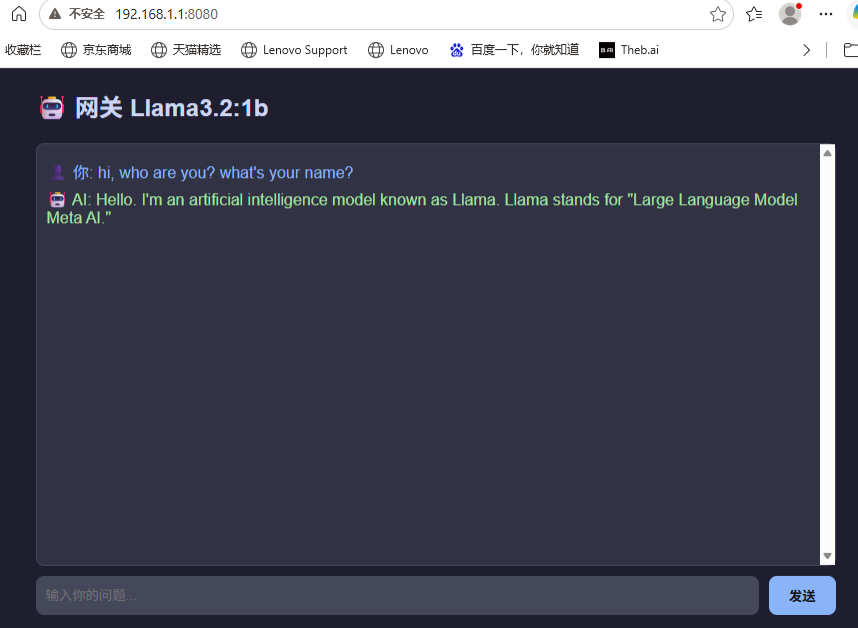
For developers with scripting capability, you can use the Ollama API or a Python script to map llama conversations to gateway IP address+port, allowing you to interact with the AI assistance via WEBUI page.
This opens up a range of IIoT‑oriented possibilities: embedding local AI assistants into industrial dashboards, retrieving knowledge from equipment manuals, enabling voice‑controlled interfaces, and running on‑site troubleshooting.
What’s Next?
With Ollama and Llama 3.2 running on your TG465, you’ve unlocked edge AI capabilities that were previously only feasible in the cloud. Here are a few directions to explore:
- Predictive Maintenance: Use the LLM to analyze equipment logs and generate maintenance recommendations
- Natural Language SCADA: Enable operators to query field data using plain English
- Agentic Automation: Combine the LLM with local automation scripts for intelligent decision-making
- Multilingual Support: Leverage Llama 3.2’s multilingual capabilities for global deployments
The TG465’s flexible programming environment—supporting Python, C/C++, Docker, and now local LLMs. This makes it the ideal device for next‑generation edge AI applications.
About Bivocom
At Bivocom, we build industrial‑grade edge gateways that bring local generative AI and IoT connectivity simple, secure, and scalable. Our portfolio spans GNSS/LoRa/5G routers, gateways, RTUs, IoT platforms, scenario-specific sensors, and OEM/ODM customization. We deliver robust on‑gateway inference, multi‑protocol translation, and reliable connectivity for smart manufacturing, remote site monitoring, energy assets and field‑service workflows — lowering cloud bandwidth dependency and accelerating edge‑AI deployment.
- Native Ubuntu ecosystem: allows you to use standard Linux tools, package managers, and Docker without proprietary SDKs.
- AI‑ready memory configuration: 2GHz quad‑core CPU, 1 TOPS NPU, Mali‑G52 GPU, 8GB RAM, 128GB eMMC, and 2TB NVMe SSD—delivering the compute and storage headroom to run quantised models like Llama 3.2 efficiently at the edge.
- Industrial‑grade resilience: operates from -35°C to +75°C with surge protection and hardware watchdog, ensuring uninterrupted AI inference in harsh field sites.
- Global engineering support: our team assists with firmware migration, storage optimisation, and model selection to match your specific use case.
Ready to deploy local large‑language‑model capability on your industrial edge hardware?
To discuss your edge‑AI use‑case, hardware sizing, or obtain TG465 Ubuntu firmware, reach our team at [email protected]. Whether you are a developer prototyping conversational assistants for maintenance logs or a system integrator rolling out intelligent monitoring across thousands of assets, Bivocom has the hardware and support to accelerate your edge AI initiatives.




Comment